Setup
What I actually use.
Everything below is on this machine or this phone today. The Mac list came out of thirty days of my own screen time rather than memory, because the two disagree more than you would think. Every name here is exact, so you can go and find it.
On the Mac
Most of the day, in two apps
- Bravebrowser, and where most of the day goes
- Ghosttyterminal
- Visual Studio Codeeditor
- Raycastlauncher, clipboard history, window management
- Setappone subscription for a shelf of Mac apps; the ones I open most often are CleanMyMac, iBoysoft Data Recovery, Paperman
- Microsoft Worddocuments that have to be .docx
- PDFGearviewing and editing PDFs, with no account and no payment
- Pixeaphoto viewer that opens a folder as a folder, with no library to import into
- VLCplays whatever the file turns out to be
Two of these take almost all the hours: the browser and the terminal, at roughly 76 and 54 hours over the last month. Everything else is minutes. I have not measured the rest. Screen time counts the window in front of you, which badly misreads a launcher, because you open it for only half a second.
In the browser
Eleven of twenty-nine
- Bitwarden Password Manager passwords, everywhere
- OneTab collapses a day of tabs into one list
- Claude reads the page I am already on, so I do not have to paste it anywhere
- Pushbullet the browser end of the phone link
- Gmail Sender Icons puts each sender’s logo beside their mail, which makes a full inbox scannable
- NoFollow outlines the links a page does not vouch for
- Detailed SEO Extension a page’s structure at a glance
- Wappalyzer what a site is built with
- HeadingsMap the heading outline, which is the real outline
- Web Developer the old toolbar, still the fastest way to kill a stylesheet or list every image without alt text
- Buyhatke: Price History & Tracker price history on a listing, so I can tell a real sale from a marked-up price
Twenty-nine are installed, and most are single-use SEO tools I reach for once a quarter. These eleven are the ones I would miss the same day.
Writing and notes
None of it on one device
- Todoist everything I have said I would do
- Google Keep quick notes, before they get away
- Google Docs office work, and notes meant to last
- Google Sheets anything work-related with numbers in it
On the phone
- Pushbullet files and links from the phone to the iMac, over the internet
- KWGT custom home screen widgets
What I pay for
- Hostinger hosting
- Cloudflare domains, DNS and security
- Claude writing and code
- ChatGPT writing and code
- Google AI Pro storage, and the Google models
On the desk
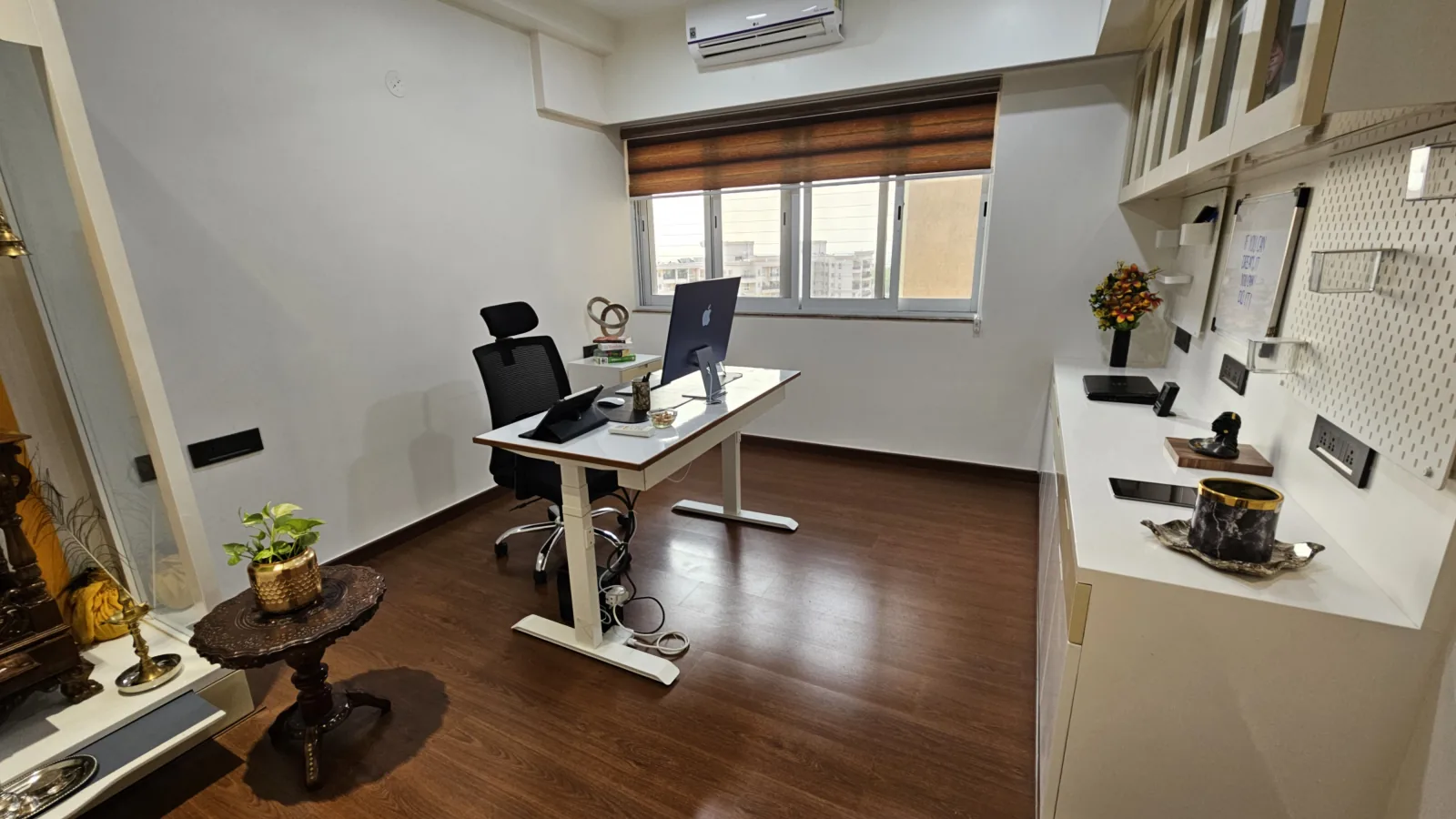
- Apple iMac (24-inch, M3)16 GB, 8 cores, 4.5K Retina at 4480 by 2520, screen and keyboard and mouse included
- Ergologic Height Adjustable Desk Frameelectric, dual motor, three stage, 64-129 cm, 120 kg, frame only
- Samsung Galaxy S23phone
The desk is the frame only. The top is separate, and mine is a plain white board cut to fit. The screen, keyboard and mouse are the iMac's own, so there is no separate monitor to name. Nothing is plugged in for camera or audio.
Where I work